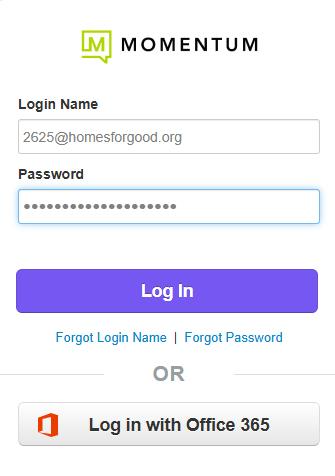
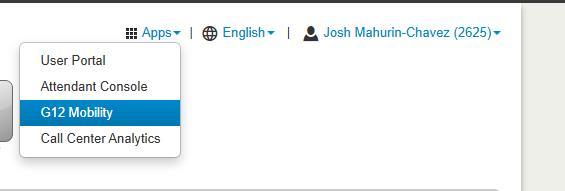
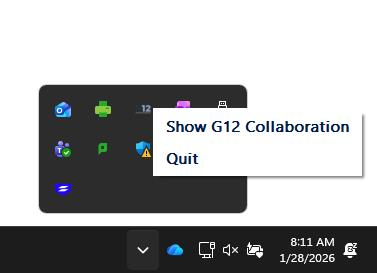
Go to portal.g12com.com and sign in there (make sure you use the last 4 of your extension @homesforgood.org as the username) and then in the upper right go to Apps and G12 Mobility and click yes to all the popups and then you can use that popup window as the phone. Just make sure you close the actual g12 desktop app from the toolbar in the bottom right (near the clock/volume click the up arrow and then right click the tiny G12 icon and click exit).